
Take back control of your focus: become “indistractable”
The shift from a phone that runs you to a phone you run is smaller than it sounds. This is about why your phone gets to feel like your boss, and the concrete move that flips the power balance. It's quick to do, it starts with the notifications, and your kids learn it by watching you do it.
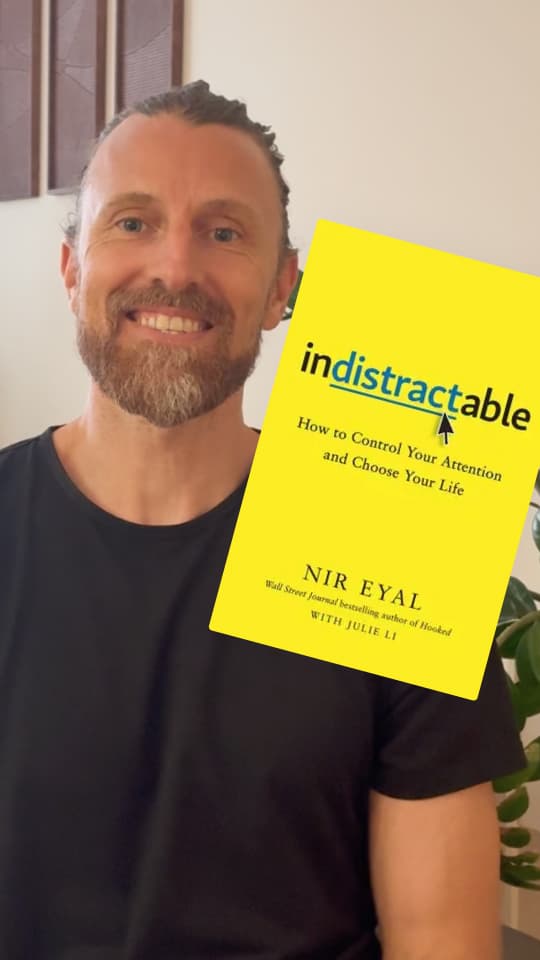
Your phone treats everything as equally urgent: a LinkedIn comment buzzes exactly like an important message from school. Your attention is the product. The most important move is quick to do: turn off notifications for everything that isn't urgent right now. Then guide your kids through the same clean-up.
A phone that treats everything as equally urgent
Pay attention to what makes your phone light up over the course of a day. A call from school. A comment on LinkedIn. An email from a shop you bought something from last year. A snap. A news alert about something that has nothing to do with you. All of it arrives with the same sound, the same buzz, the same little banner at the top of the screen. Your phone demands the same focus for a discount code as for a message that genuinely can't wait.
Most apps are free because your attention is the product, and a notification is the app's way of calling you back in. Most of us allow notifications when we install an app and never think about it again. Researchers who tracked ordinary people's phones for a week found we get around 60 notifications a day on average, and most of them get looked at within minutes. Sixty little interruptions, hardly any of them urgent enough to deserve you.
Your kids notice
Try seeing it from your child's side. Every time you vanish into the screen mid-conversation or mid-game, even for a quick glance, you're saying something you'd never say out loud:
Random stuff from random people matters more than you.
Kids register this long before they have words for it. Researchers even have a term for the phone's intrusions on time together, “technoference”, and parents who get distracted this way more often also report more restlessness and difficulties in their kids. When researchers watched families eat at restaurants, the kids ramped up the nagging the moment a parent disappeared into the phone, and the answers that eventually came back tended to be short and sharp. Few things make me sadder than a child tugging at the trouser leg of a parent who's busy scrolling.
The man who wrote the recipe
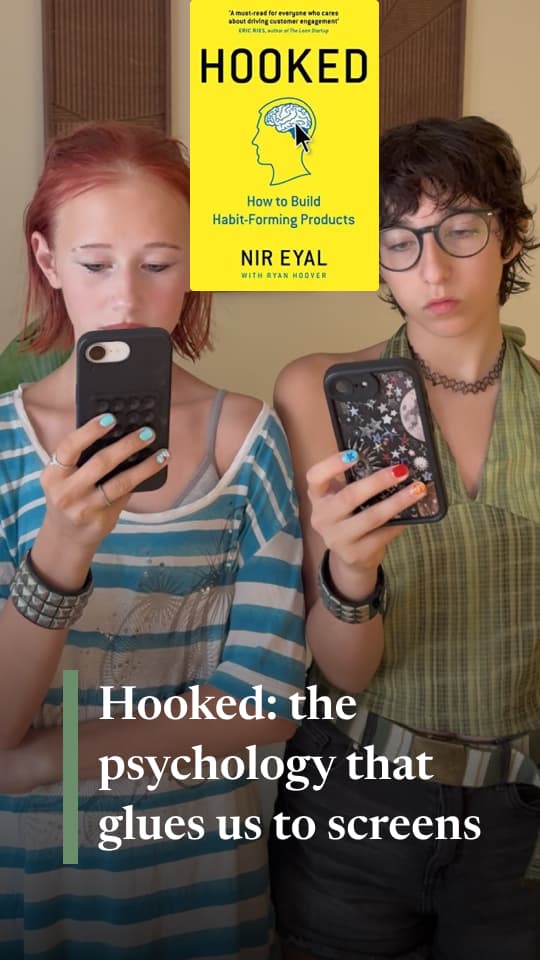
In 2014, Nir Eyal published Hooked, which became the tech industry's textbook on building habit-forming products. The model runs in four steps: a trigger that catches you, one simple action, a variable reward so you never quite know what you'll get, and a small investment that makes the app a little more yours. Round after round, until the app is a habit you don't remember choosing. Five years later he wrote Indistractable, the book about the opposite: how to defend your focus in a world full of apps built on the Hooked model.
Cards on the table: I use the Hooked model myself. This site is built to hold your attention as long as it can, and my conscience is clear, because I believe this is attention well spent for you and your kids. The good sources need to know every trick in the book too, or they drown in the sea of apps selling your attention.
In Homie, my family app, I built habit tracking on the same model, to get people hooked on good habits they actually chose. The difference isn't the technique but who it works for: habits you picked yourself, like reading, bedtime routines and exercise, or a feed that converts your attention into ad money.
The techniques that make apps habit-forming are the same everywhere. The difference is whether they work for you or for someone selling your attention.
The opposite of distraction isn't focus
Eyal's most important idea is a distinction. The opposite of distraction isn't focus, it's traction, and the clue sits right there in the word: take the “dis” out of “distraction” and traction is what's left. Traction is anything that pulls you towards what you've decided to do; distraction pulls you away from it. Half an hour of gaming isn't a distraction if you'd planned it, and answering an “important message” is one if you were supposed to be reading to the kids and the reply could have waited. What matters isn't what you're doing, but whether you chose it and whether it moves you forward.
A simple example
You'll recognise this: you pull out your phone to do one specific thing, say make an important call (traction). Then you spot 7 notifications on the home screen and start tapping through them (distraction). A message on Instagram. A few swipes through the feed. 10 minutes later the phone goes back in your pocket and you get on with your day. “DOH!!” Out it comes again, so you can do the thing you actually picked it up for. That's DIStraction, running exactly as designed.
His second idea is uncomfortably precise. Distraction usually starts on the inside. We're escaping something. Restlessness, a dull task, the silence where your own thoughts turn up, and the phone is the nearest emergency exit. That part won't be fixed tonight; learning to sit with a little discomfort takes practice. The outer half of the problem, though, the notifications, you can genuinely fix fast.
Only two things are urgent right now
Here's the approach, and I'd take the whole package.
First, turn off notifications for everything that isn't actually urgent the moment it happens.
Think about what genuinely needs you straight away. A phone call, because someone's on the other end right now. Not every call is urgent, but it might be the school, or a parcel out for delivery. A calendar event, because it happens at a set time. Maybe plain messages, SMS and iMessage, as the channel people use when reaching you can't wait. And that's about it. Everything else, email, LinkedIn, Snapchat, news, games and offers, is built to feel urgent without being urgent.
Notice what kind of move this is: you decide once, and from then on the decision lives in the system instead of in your willpower.

Second, brief the people you care about. Tell them how to reach you now: urgent means call. Need an answer today, send a text. Anything else, any app is fine, and I'll reply when it suits. Everyone else needs no announcement; they'll simply notice you answer a little later and are a little more present. Wear that with pride.
The trickiest apps are the ones that mix messages from friends with noise from the app itself. Snapchat is a good example: real friends do message you there, but with notifications on you also get streak reminders, stories and everything else the app uses to reel you back in. The people who truly need you fast learn quickly to call or text instead.
Kids learn focus by watching you
Kids don't pick up focus habits from lectures, even though explaining the why matters and so does repeating it, many times over. Above all, kids learn from what they see you do. We've already looked at your notification habits from your child's side of the table. The good news is that the opposite is every bit as visible: a parent who leaves the phone face down is showing, day after day, that a person can own their own attention.
I like to make a small show of it. The phone lies face down, it buzzes, and I deliberately do nothing. “I think you got a message, Dad,” my daughter says. “Don't care, I'm busy with you,” I answer. Yes, it's a bit of theatre, and resisting costs me real focus and willpower, which in practice steals from the thing we were doing. But it's an effective way to show that you can choose where your attention goes, and that a random interruption is not the most important thing in life.
I'd do the notification clean-up on your phone and your child's phone together. Yours first. Say what you're turning off and why. It's far easier to get kids on board when they can see the same rules apply to you.
And the payoff isn't only pedagogical. The research above shows that even a vibration you ignore costs almost as much concentration as picking the phone up. Fewer notifications simply means more of you left over, in the game, at dinner, in the conversation that finally got going.
Only two things deserve to interrupt you: a phone call and a calendar event. Everything else can wait until you choose to look.
Talking with your kids
“The apps send notifications because they earn money every time you open them, not because anything's urgent. From now on, we decide who gets to interrupt us. Calls and the calendar are ok, because those are urgent for real. The rest we check when we feel like it. And when something truly matters, people call. Same goes for you: if it's urgent, call me. I'll always pick up.”
Closing thoughts
Writing down what we should do is the easy part; actually pulling it off can be properly hard. FOMO is real. What if it actually is something important this time? You'll never get notifications and focus modes tuned perfectly, but as close as you can get beats where most people are today by a mile.
Beyond that, it's worth spending a little time on focus modes, with tailored notification setups for different situations. That might be in the bedroom for you as a parent so critical calls still get through, or a holiday mode that gives you as much peace as possible from whatever normally claims your day.
One last tip for when you want total quiet but your nearest and dearest still need a way in: download an app you don't otherwise use that does messages and voice calls, Viber or Signal, say. Keep only your closest people in it and always allow its notifications. It becomes your “bat phone” (Batman fans will get it), the line that always gets through in a genuine crisis. Because if you're having an afternoon nap, it should be possible to hush the everyday messages and calls, family included.
The toolbox
Three moves, all of them quick.
Notifications are only half the job. This tool takes you through the settings that calm the feed itself in Instagram and TikTok.
Which app are we fixing?
Know someone who never gets to the end of a page before their phone buzzes? Send them this.
Common questions
If you have read the whole article, try answering the questions yourself before you read the answers. A small test of how much has stuck.
Why do I keep checking my phone?
Often because you're escaping something: restlessness, a dull task, the silence where your own thoughts turn up, and the phone is the nearest emergency exit. Learning to sit with that discomfort takes practice. The notifications, around 60 a day, are quick to turn off.
How do I stop checking my phone so much?
Start with the notifications. Turn off every one that isn't urgent the moment it arrives, and your phone stops interrupting you 60 times a day. You decide once, and the decision lives in your settings instead of your willpower. Your phone is a tool again.
Which notifications should I turn off on my phone?
Everything that isn't urgent the moment it happens, I'd say. Open Settings, then Notifications, and keep calls, the calendar and perhaps plain text messages. Email, LinkedIn, Snapchat, news, games and offers are built to feel urgent without being urgent.
Why do apps send so many notifications?
Because they earn money every time you open them. Your attention is the product, and a notification is the app's way of calling you back in. Worth telling your child: “The apps buzz because it pays them. Now we decide who gets to interrupt us.”
How do notifications affect concentration?
More than you notice. A vibration alone is enough: in one experiment, concentration dropped measurably in people who heard their phone buzz without checking it, roughly as much as if they had used it. The thought “who was that?” costs you focus.
How long does it take to refocus after an interruption?
Over 25 minutes on average, when researchers followed office workers through their working day. By the time people were back in the interrupted task, they had passed through two others. Each notification you allow in costs far more than the seconds it takes to read.
How does my phone use affect my kids?
Kids read every glance at the phone as something mattering more than them, before they can say so. Parents often distracted this way report more restlessness in their kids. In restaurants, kids nag more once the phone comes out, and replies turn short and sharp.
How do I teach my child to put their phone down?
Mostly by doing it yourself. A parent who leaves the phone face down and does nothing when it buzzes shows, day after day, that a person can own their own attention. Explaining and repeating help, but the example weighs most.
Should I turn off notifications on my child's phone?
I would, but together with your child and after you've done your own. Go through the apps and let your child answer whether each one is ever urgent. Friends who genuinely need them fast can call or text, and they learn that quickly.
How do I only get notifications from certain people?
Add them to your phone's “always allow” list under Focus or Notifications, and they get through regardless. For total quiet, give your closest people a separate messaging app, Signal or Viber say, with notifications always on. And ask them to call if it's urgent.
Sources

Nir Eyal is an American behavioural designer who spent years teaching tech companies to build habit-forming products, a model he laid out in Hooked. In this book he switches sides and shows you how to defend yourself: how to become someone who decides where their own attention goes.
About the book ↗- Nir Eyal (2019): Indistractable, how to control your attention and choose your life ↗
- Nir Eyal: Hooked-modellen (trigger, handling, belønning, investering) ↗
- Pielot, Church & de Oliveira (2014): An in-situ study of mobile phone notifications, MobileHCI ↗
Show more sources (4)Show fewer sources
- Stothart, Mitchum & Yehnert (2015): The attentional cost of receiving a cell phone notification, Journal of Experimental Psychology: Human Perception and Performance ↗
- Mark, Gonzalez & Harris (2005): No task left behind? Examining the nature of fragmented work, CHI ↗
- McDaniel & Radesky (2018): Technoference, parent distraction with technology and child behavior problems, Child Development ↗
- Radesky mfl. (2014): Patterns of mobile device use by caregivers and children during meals, Pediatrics ↗
Comments
No comments yet. Be the first to say what you think.





 TikTok
 Roblox
 Snapchat
 Minecraft
 Fortnite
 YouTube
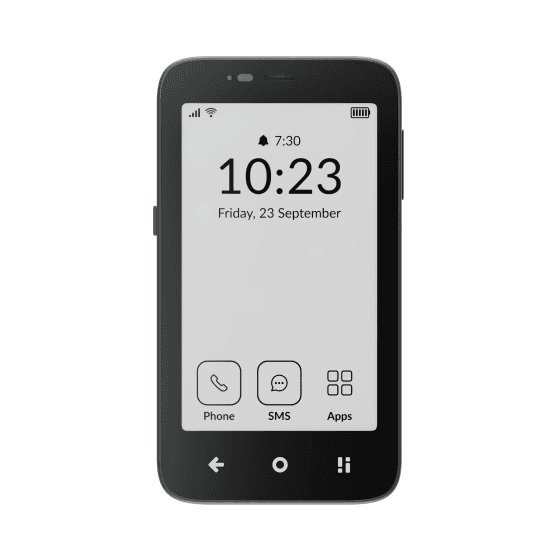 Mudita Kompakt
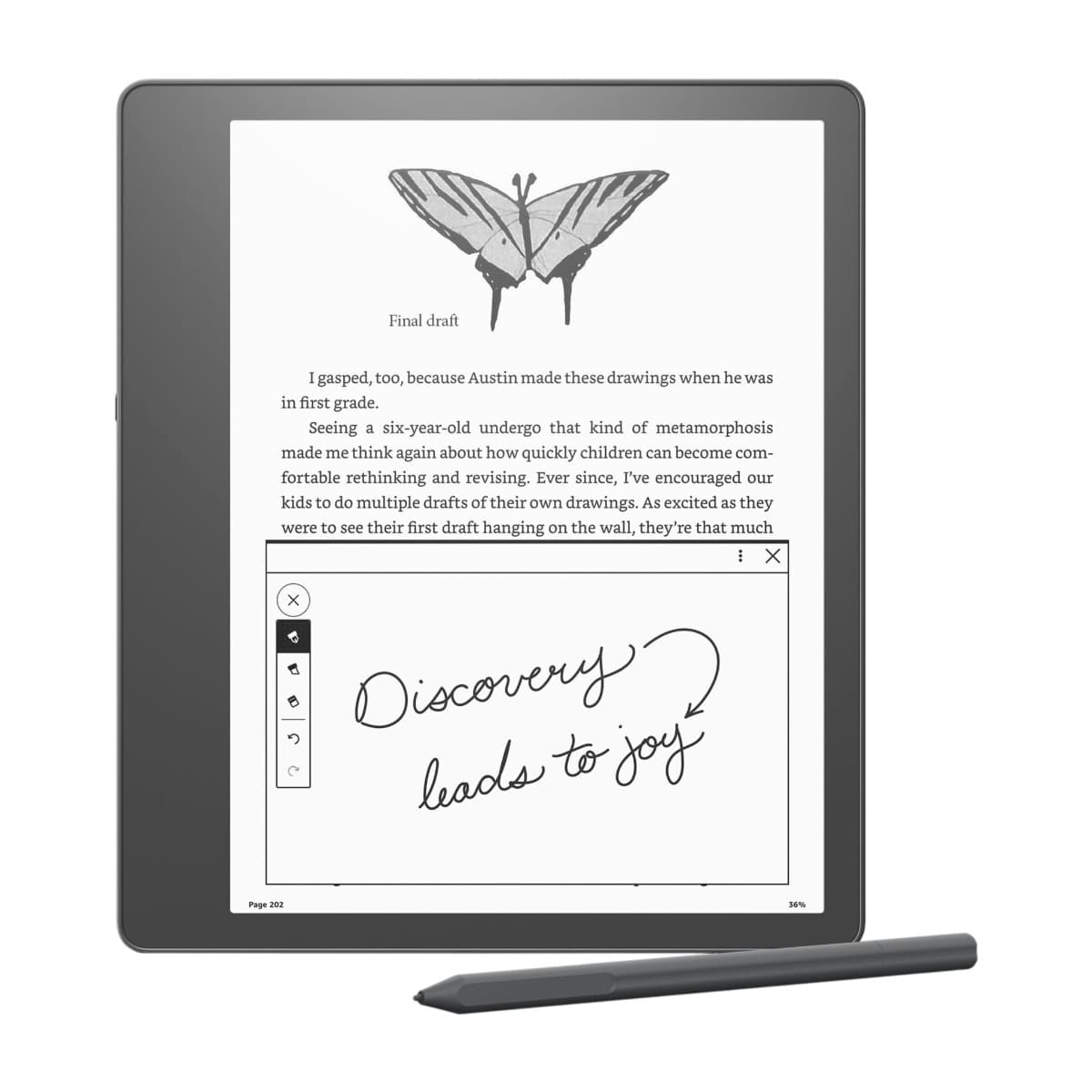 Kindle Scribe
 Smiling Mind
 Opal
Opal Balance
 Homie
Homie