
Balanseby
A drawn town where parents and children explore, learn, play and build things together, with proper breaks from the screen. In Norwegian for now.




Course: The Parent Guide
An essential course for parents who want to get screen time, apps, gaming and social media right. The goal is calmer, more confident kids.
Articles
Screen time for kids, a complete guide
The Norwegian Directorate of Health's numbers for every age, and the steps that make the limits actually hold. I've done the research, you have the conversation.
The App Guide
for when your child asks about an app TikTok
 Roblox
 Snapchat
 Minecraft
 Fortnite
 YouTube
The Screen Guide
your family's own screen rulesPick the rules that fit your family, rewrite them in your own words, and download a guide you can hang on the fridge. The rules apply to the grown-ups too.
Make your own screen guide →Recommended products
for a calmer everyday life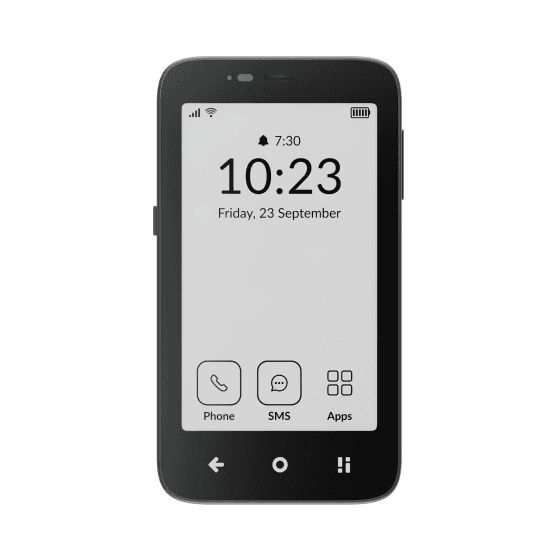 Mudita Kompakt
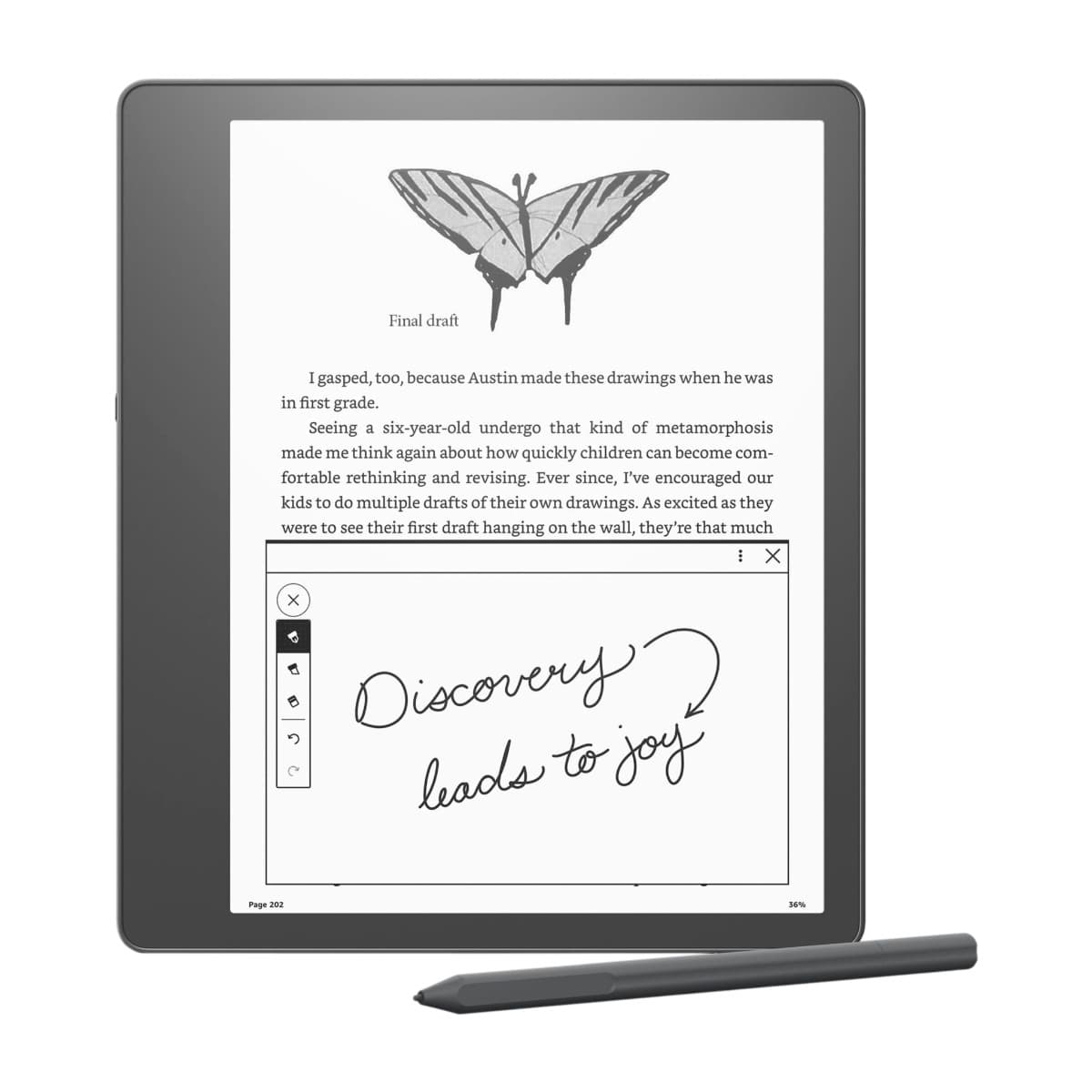 Kindle Scribe
 Smiling Mind
 Opal
 Balance
 Homie
Balanseby
A drawn town where parents and children explore, learn, play and build things together, with proper breaks from the screen. In Norwegian for now.

Course: The Parent Guide
An essential course for parents who want to get screen time, apps, gaming and social media right. The goal is calmer, more confident kids.
Articles
Screen time for kids, a complete guide
The numbers for every age and the steps that make the limits hold.
Common questions
How do I stop the nagging and whining about screens?
Be consistent. A no that sometimes turns into a yes teaches your child that nagging pays, and the lesson sticks. Answer calmly and the same way every time, give the reason, and don't say yes because your child nagged. Nagging gradually turns into proper questions.
From the article: How do I stop the nagging and whining about screens?
How much screen time should a 10 year old have?
At most 1 to 1.5 hours a day of free time, ideally less, in Norway's official advice, which also says hold off on social media. The first phone arrives at this age, so set the limit in Screen Time or Family Link from day one.
From the article: Screen time for kids and teens, a complete guide
How long should a child play video games each day?
Hours tell you less than you'd think. An hour of Minecraft with friends in the living room and an hour alone with a free phone game are worlds apart. If your child sleeps enough, does homework, sees friends offline and gets moving, you can relax.
From the article: Guide to kids and gaming
Should I let my child have TikTok?
Not in our house. TikTok has the sharpest recommendation algorithm of the lot, and your child's time is the business model, so I think the downsides outweigh the upsides. If you do say yes, the time limit and restricted mode are worth setting up together.
From the article: Kids and social media, a parent's guide
What is the age limit for ChatGPT?
13, and under-18s are supposed to have a parent's permission. The limit is OpenAI's own, mostly enforced by a birth date the child types in themselves. ChatGPT opening the door at 13 doesn't make 13 the right moment for your child.
From the article: Guide to kids and AI
Is YouTube OK for a 3 year old?
Preferably not regular YouTube. It isn't built for this age and comes with ads, a feed and autoplay in one package. If you end up there anyway, use YouTube Kids or a parent-managed account, turn autoplay off and stay in the room while they watch.
From the article: Which apps and how much screen time are OK for a 2 to 5 year old?
The App Guide
for when your child asks about an appThe Screen Guide
your family's own screen rulesPick the rules that fit your family, rewrite them in your own words, and download a guide you can hang on the fridge. The rules apply to the grown-ups too.
Make your own screen guide →Recommended products
for a calmer everyday lifeMain topics
One letter a week about kids and screens. Short, concrete, never nagging.
Unsubscribe at any time. How we handle your address.